Adding a charitable entity (DAF, private foundation, etc)
Last updated: May 5, 2026
Adding a charitable entity to your client's profile in Luminary follows a similar process to adding a new or current trust. Follow the steps outlined below to add to your client's list of entities.
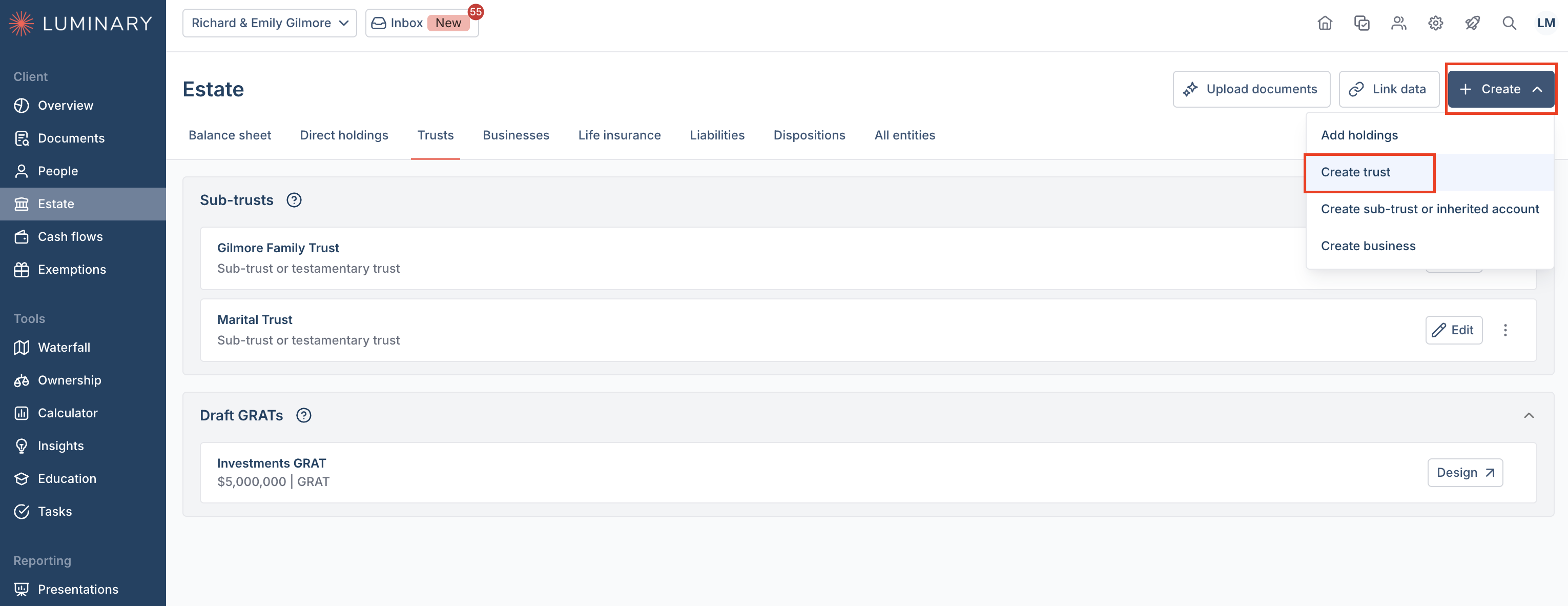
Navigate to the Estate tab, then click Create in the upper right hand corner of any page in the Estate tab. Select Create Trust.
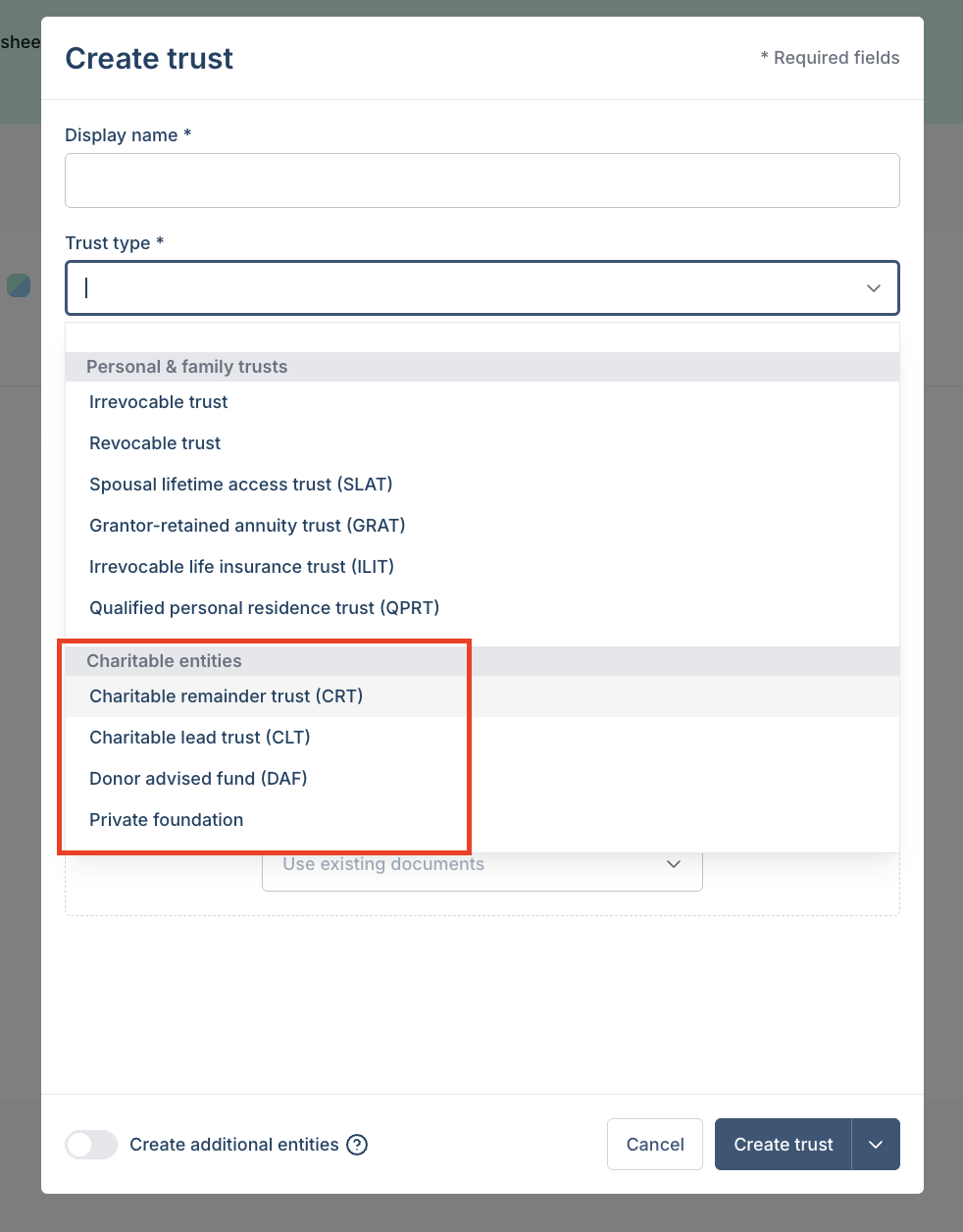
In the Create Trust pop-up screen, enter the display name, and select the applicable charitable entity type from the Trust Type dropdown.
Select donors, market value, valuation date, in or out of estate if applicable, and upload any relevant documents.
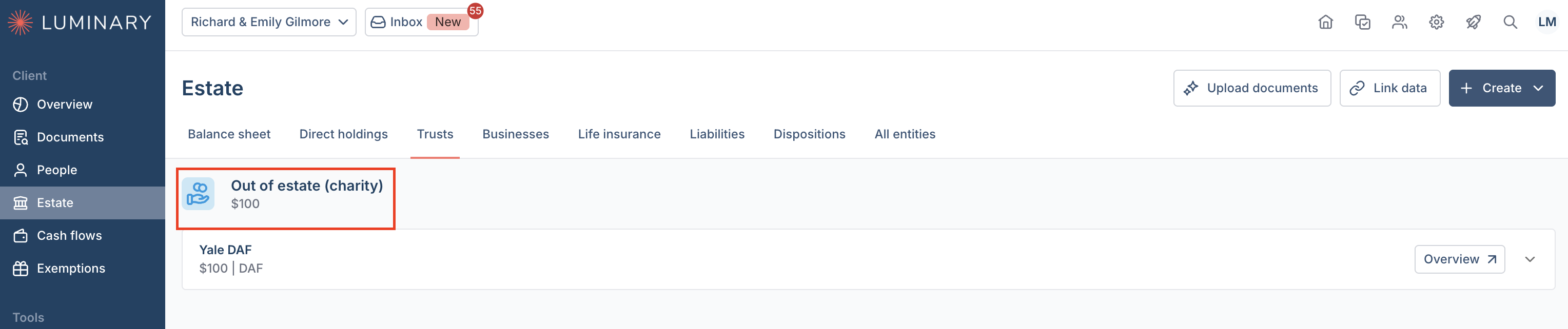
The charitable entity will appear in the trust tab after creation.