Portability election and DSUE amounts
Last updated: November 10, 2026
Users can elect portability and manage DSUE (Deceased Spousal Unused Exclusion) amounts in Luminary by following the steps below.
Updating Federal DSUE Amounts
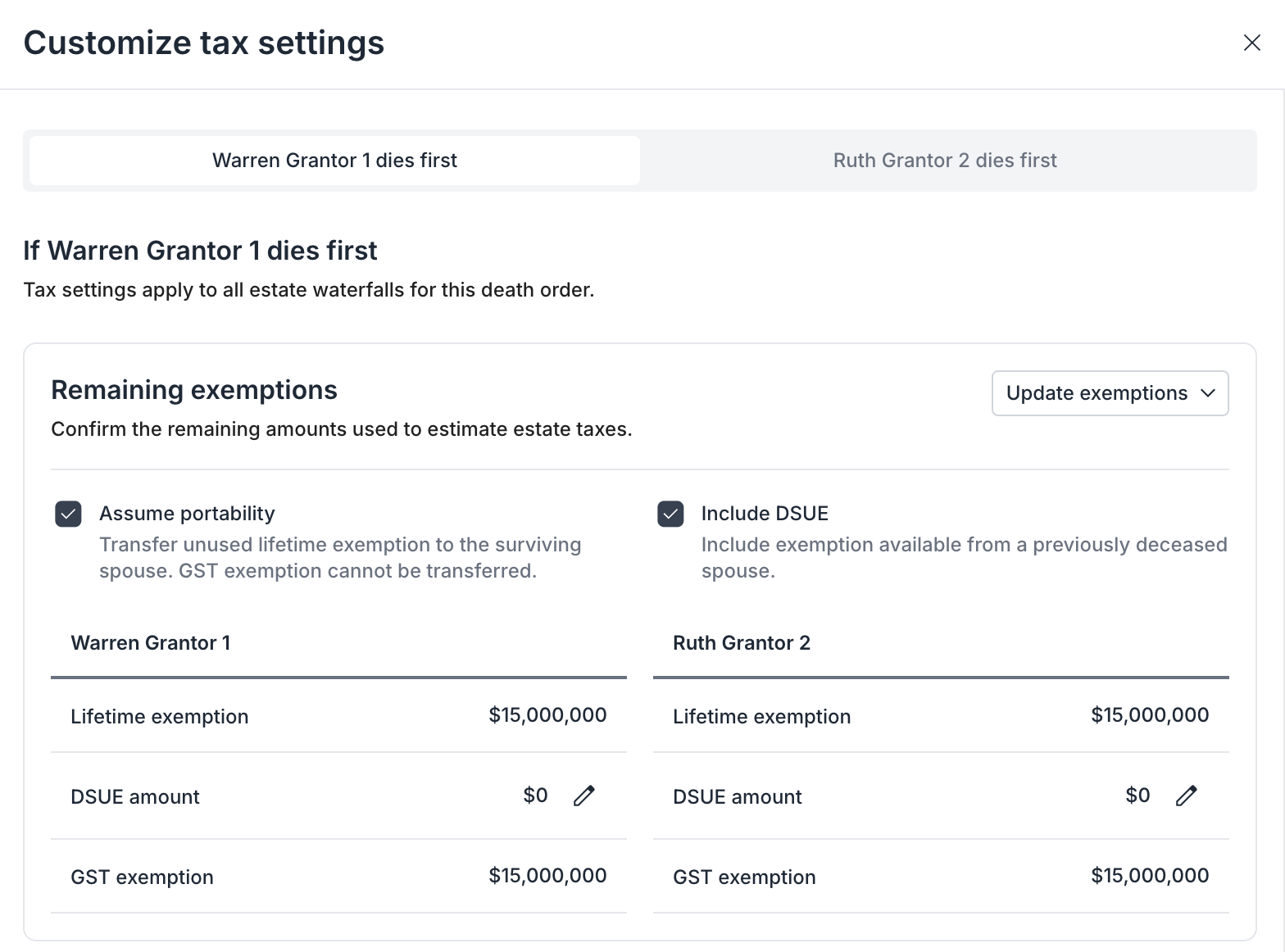
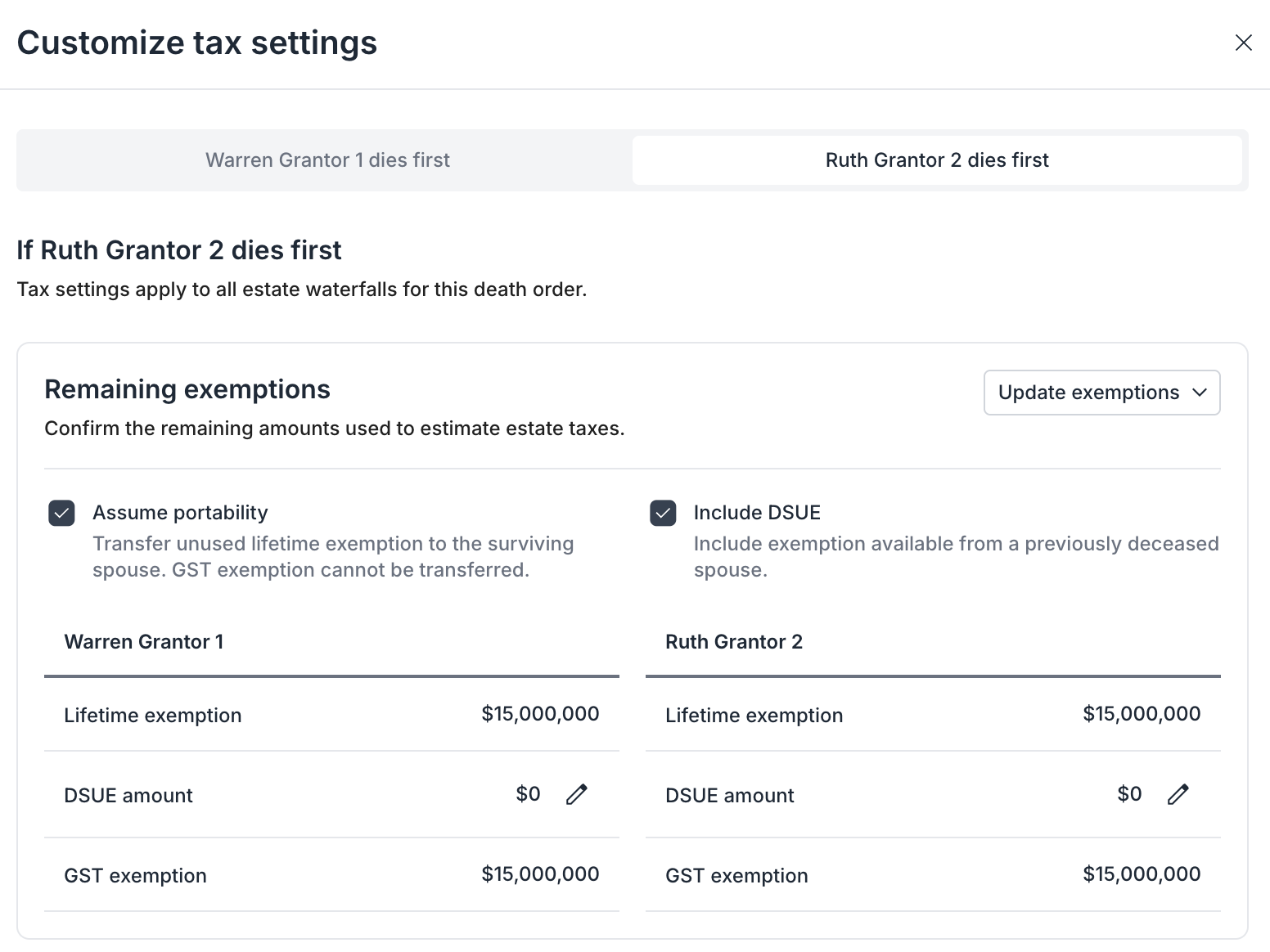
Under the Tax settings menu on the Waterfall tab, Include DSUE is checked by default. When checked, the remaining exemption columns show the DSUE amount fields so you can review or enter available Federal DSUE amounts.
Click the pencil icon next to DSUE amount to enter desired DSUE.
State DSUE
Currently, Luminary supports only Federal DSUE. We recommend showing Maryland and Hawaii DSUE amounts by adding notes to the waterfall tiles to call out resulting effect on state estate taxes. This feature is on Luminary's roadmap - stay tuned for updates!
Common Portability & DSUE FAQs
Can I add DSUE from more than one previous marriage?
The surviving spouse can continue using the DSUE from their deceased spouse after remarriage. However, if the new spouse passes away, the surviving spouse’s DSUE is replaced by the DSUE of the most recently deceased spouse. If the new spouse passes away, enter the new DSUE amount.
Does Luminary automatically calculate DSUE if both spouses are alive today, and the first to die doesn't use their full exemption?
Yes, Luminary automatically turns on portability. You can change this setting by following the steps in Managing Portability below.
Managing Portability
Portability is turned on by default. To manage portability, follow the below steps:
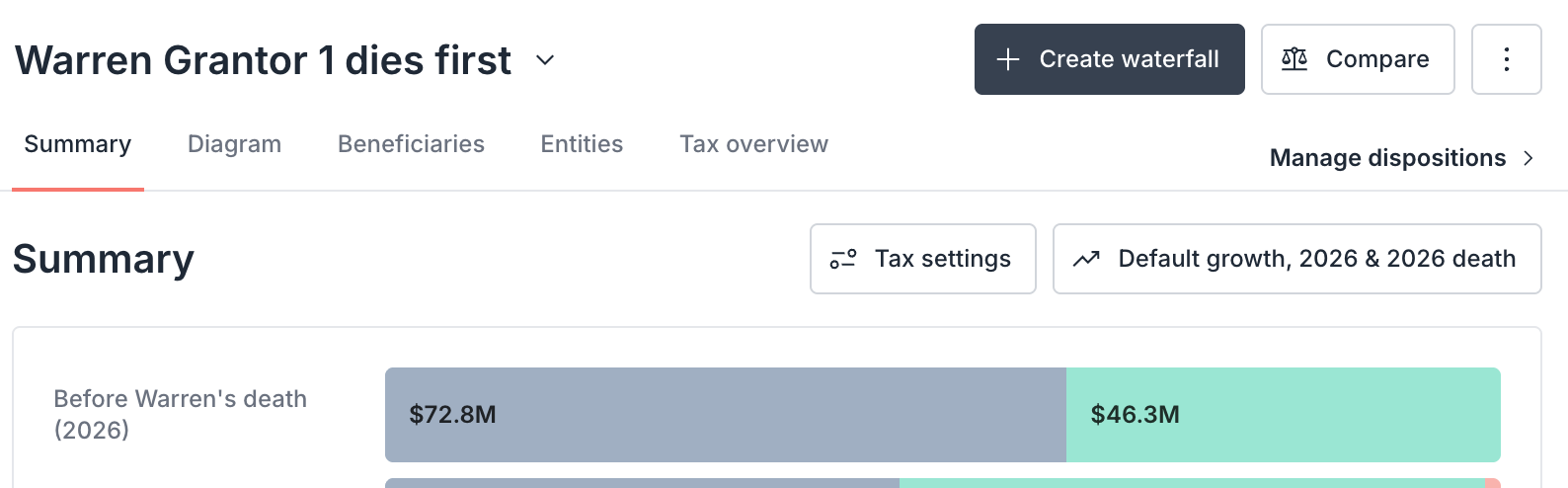
Navigate to the Tax Settings menu in the Waterfall tab OR navigate to the Exemptions tab on the left side navigation menu and click Manage portability and DSUE. Both options will take you to the Customize tax settings feature.
To ensure remaining exemption is transferred to the surviving spouse, turn on the Assume portability toggle. Portability is turned ON by default in Luminary.