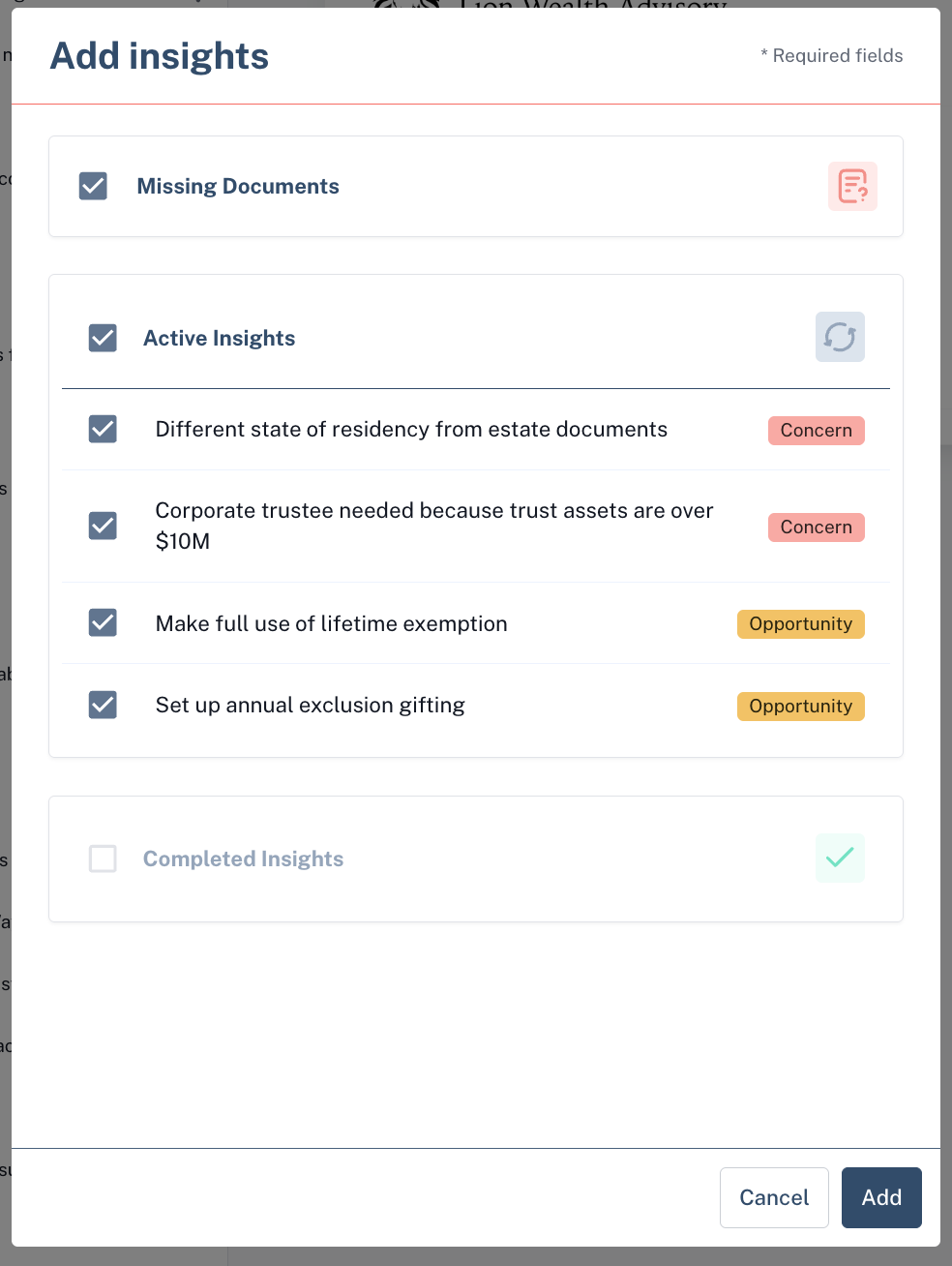
Insights page in the presentation builder
Last updated: August 15, 2025
The Insights page in Luminary allows you to pull in various concerns and opportunities that have been surfaced for your client. When you click on Insights from the list of page options in the presentation builder, the following modal will appear.
By default, all Luminary Insights will be included in your Insights bundle. You can exclude specific Insights by unchecking the check box next to a group of Insights (i.e. Missing documents, or Active Insights), or next to a specific Insight.