Waterfall FAQs: No dispositions at first death
Last updated: April 6, 2026
In some scenarios, you may encounter a trust that does not have dispositions after first passing. In Luminary, a disposition is only needed when assets change hands. If, at the first death, all assets remain in trust for the survivor’s benefit, you can leave the first‑death dispositions blank and only model distributions at the second death.
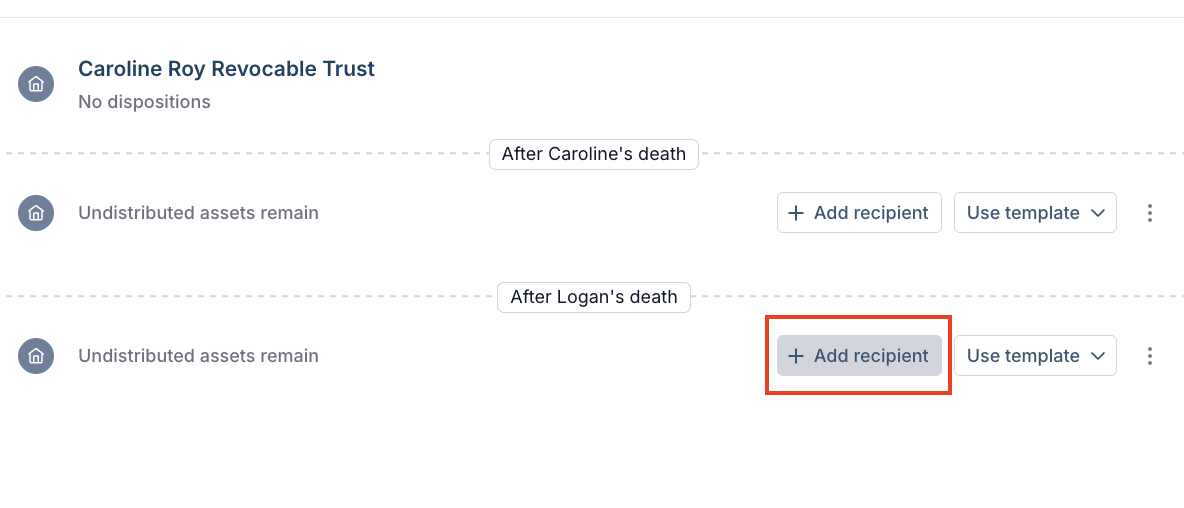
You can access current dispositions in one of the following ways:
From the Trusts tab, click Overview on the right hand side of the trust in question, then choose the Dispositions tab on the right side of the screen.
From the Estate tab, choose the Dispositions page at the top, then select your trust from the In-estate, out of estate, or sub-trusts sections.
From the Waterfall tab, navigate to the Diagram page. Select the tile/icon for the trust in question, then select Dispositions from the drop down on the right side window. Click Edit dispositions to add or remove recipients where applicable.
Make any necessary edits and click Save changes before closing.