Hypothetical dispositions
Last updated: April 8, 2026
How to model a change of dispositions for an existing entity
Open the Hypothetical Waterfall you want to modify.
Click on the existing entity you want to modify.
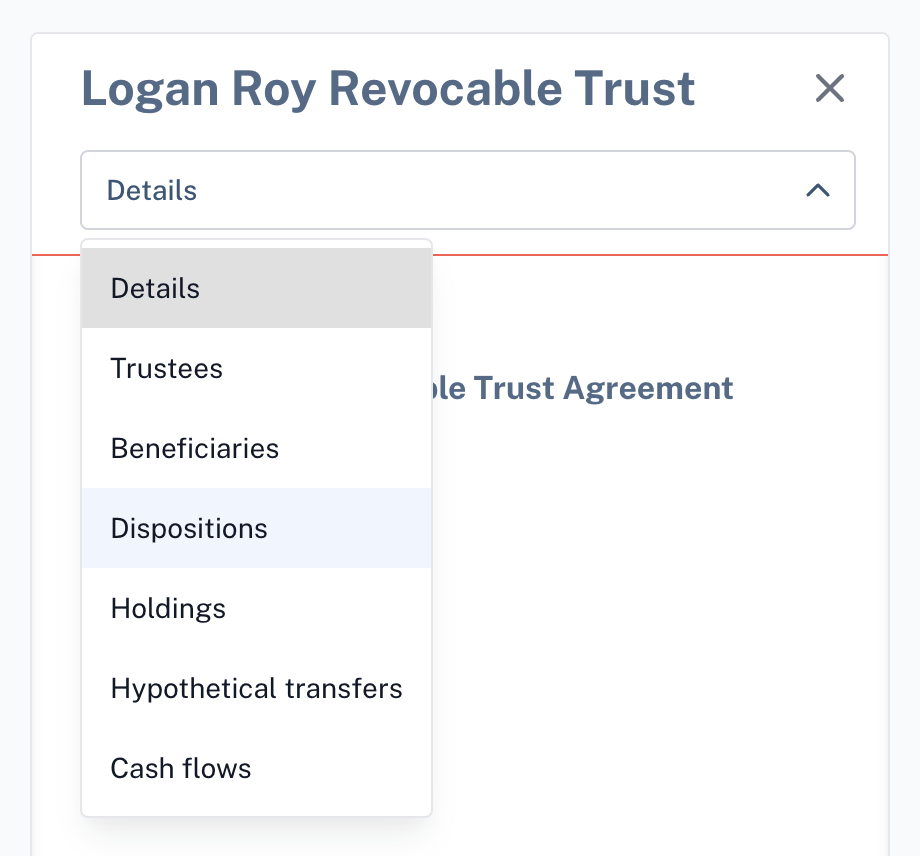
In the side panel that appears, choose Dispositions from the dropdown menu.
At the bottom of the side panel, select Edit Dispositions.
A yellow banner will appear at the top of the panel indicating that your changes will only apply to the current hypothetical waterfall.
Make changes to the dispositive provisions as needed.
Dispositions edited here only apply to the hypothetical waterfall. Your original source waterfall will not be affected.
Important Note
Always make hypothetical disposition updates directly from the hypothetical waterfall view by clicking into entities. Changes made in Manage dispositions page will apply to all source waterfalls, not just the hypothetical.