AI SmartReview
Last updated: October 7, 2026
SmartReview automatically creates a client profile from the client's estate planning documents. SmartReview uses AI to automatically approve all extracted data above a 95% confidence threshold. Lower-confidence suggestions are routed to you for review, so you get results in minutes with limited manual review required.
Key capabilities
Turn on SmartReview during client onboarding, and Luminary builds the household for you. High-confidence AI suggestions are approved automatically, and you can review and edit all data at any point.
Faster processing: Get results in minutes with limited manual review required
Automated deliverables: Deliverables created with fewer clicks. Luminary creates client-ready presentations as soon as client profile creation is complete
Streamlined data review: Automatically approve data suggestions above the 95% confidence threshold, and focus your time on the lower-confidence suggestions that need your review
Quick tips
Luminary works best with full context. Upload all core planning documents for each client (trust documents, wills, powers of attorney, health care proxies, business agreements, balance sheets, insurance policies, and amendments and codicils) to power accurate analysis, visualization, and modeling.
Need to step away? Select Save and complete later. Luminary saves your uploaded documents, and a Finish client setup banner on the client overview lets you resume.
Getting started
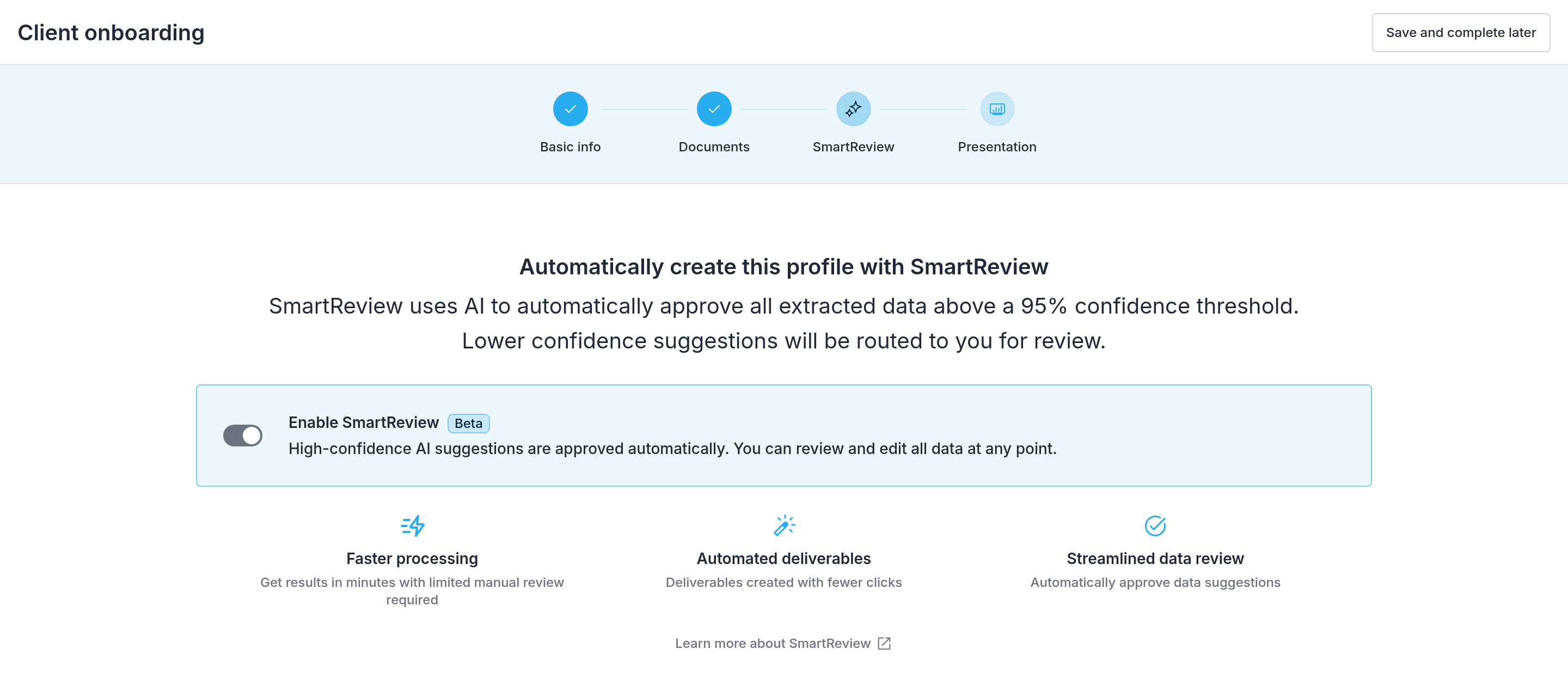
On the SmartReview step, keep Enable SmartReview turned on to automatically create this profile with SmartReview, then select Continue.
Note: If you turn SmartReview off, Luminary still extracts data from the documents, but all suggestions are routed to you for review. Nothing will be saved automatically.
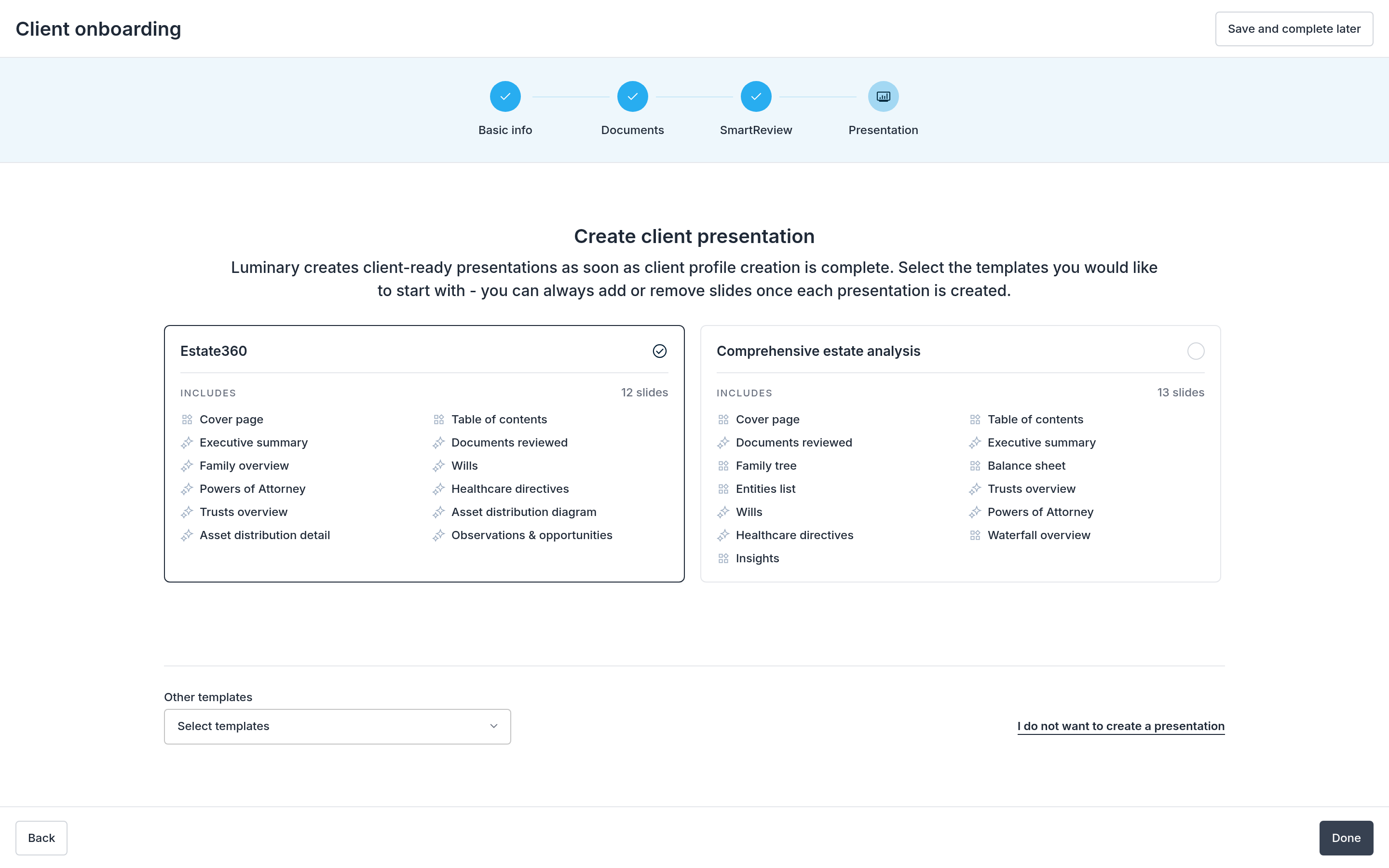
On the Presentations step, select the presentation templates to create. Luminary creates client-ready presentations as soon as client profile creation is complete. You can always add or remove slides once each presentation is created.
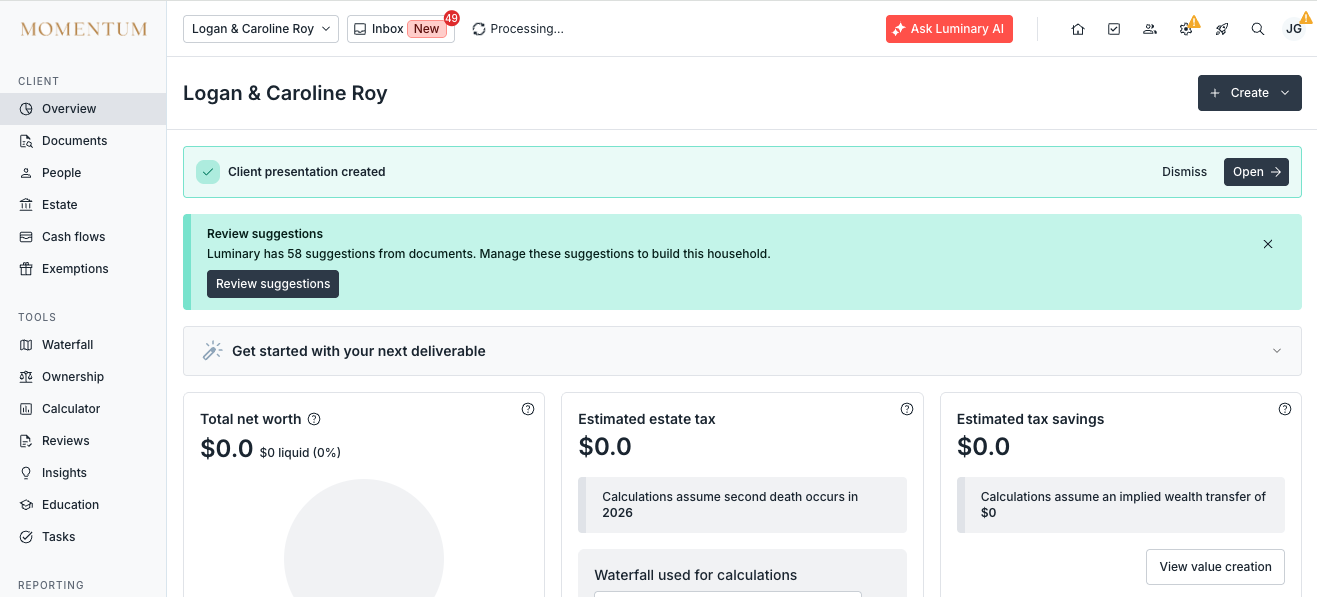
Review lower-confidence suggestions. Suggestions below the 95% confidence threshold are not approved automatically. When they are ready, a Review suggestions banner appears on the client overview. Review and confirm them to complete the client profile.