Estate360: How to guide
Last updated: November 21, 2025
Getting started
Accessing the Estate360
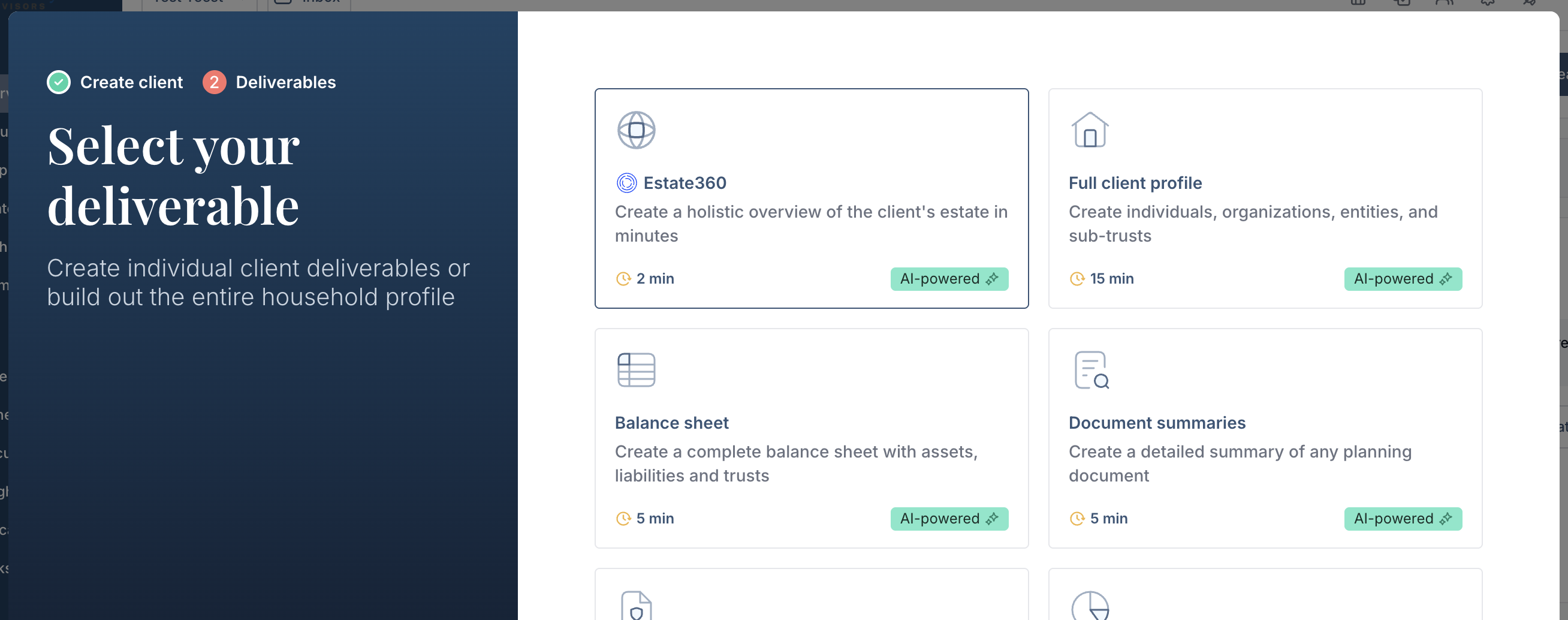
For new clients/prospects: Click Add client -> Populate basic client details -> Click Estate360
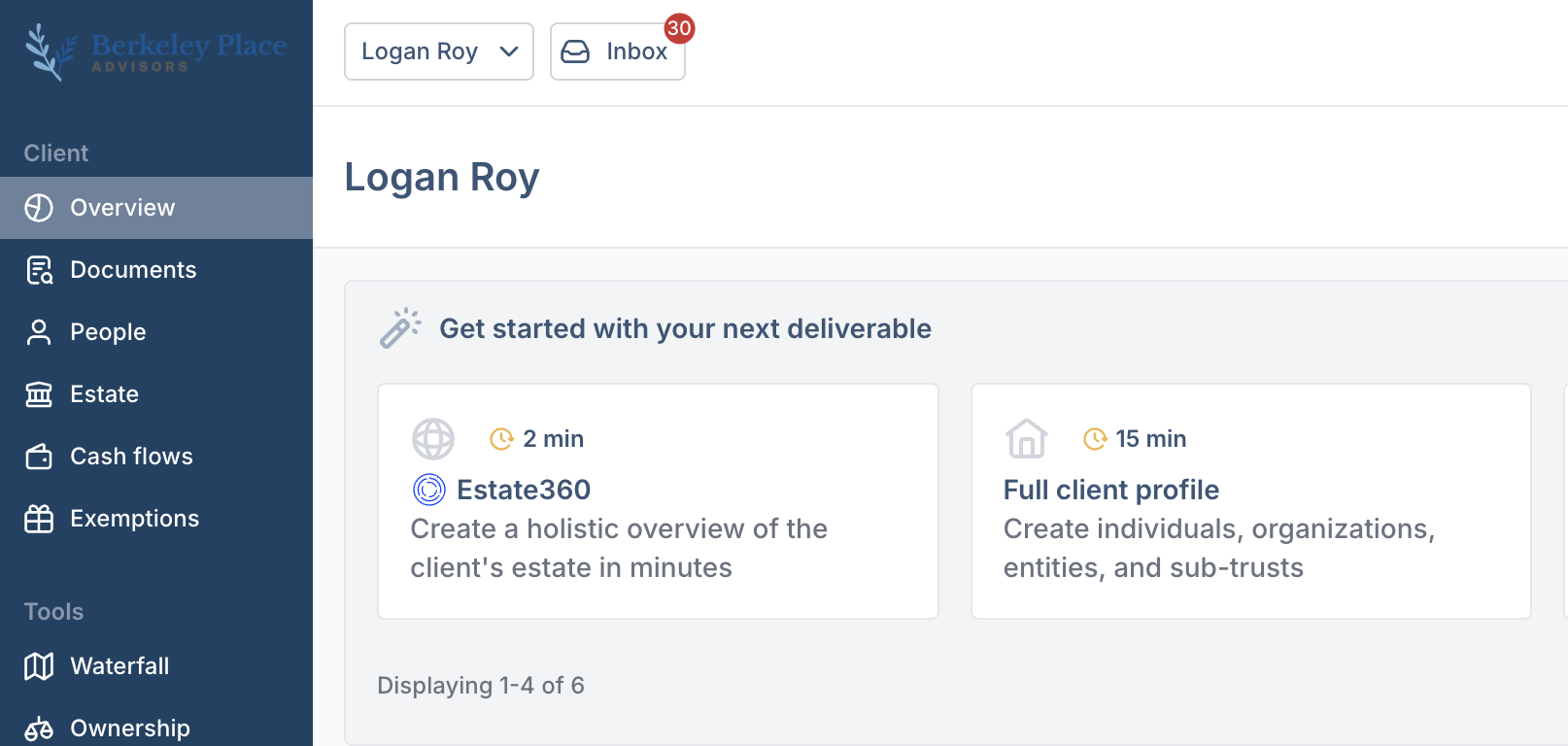
For existing clients: Go to the Client overview page -> Click Estate360
Upload documents
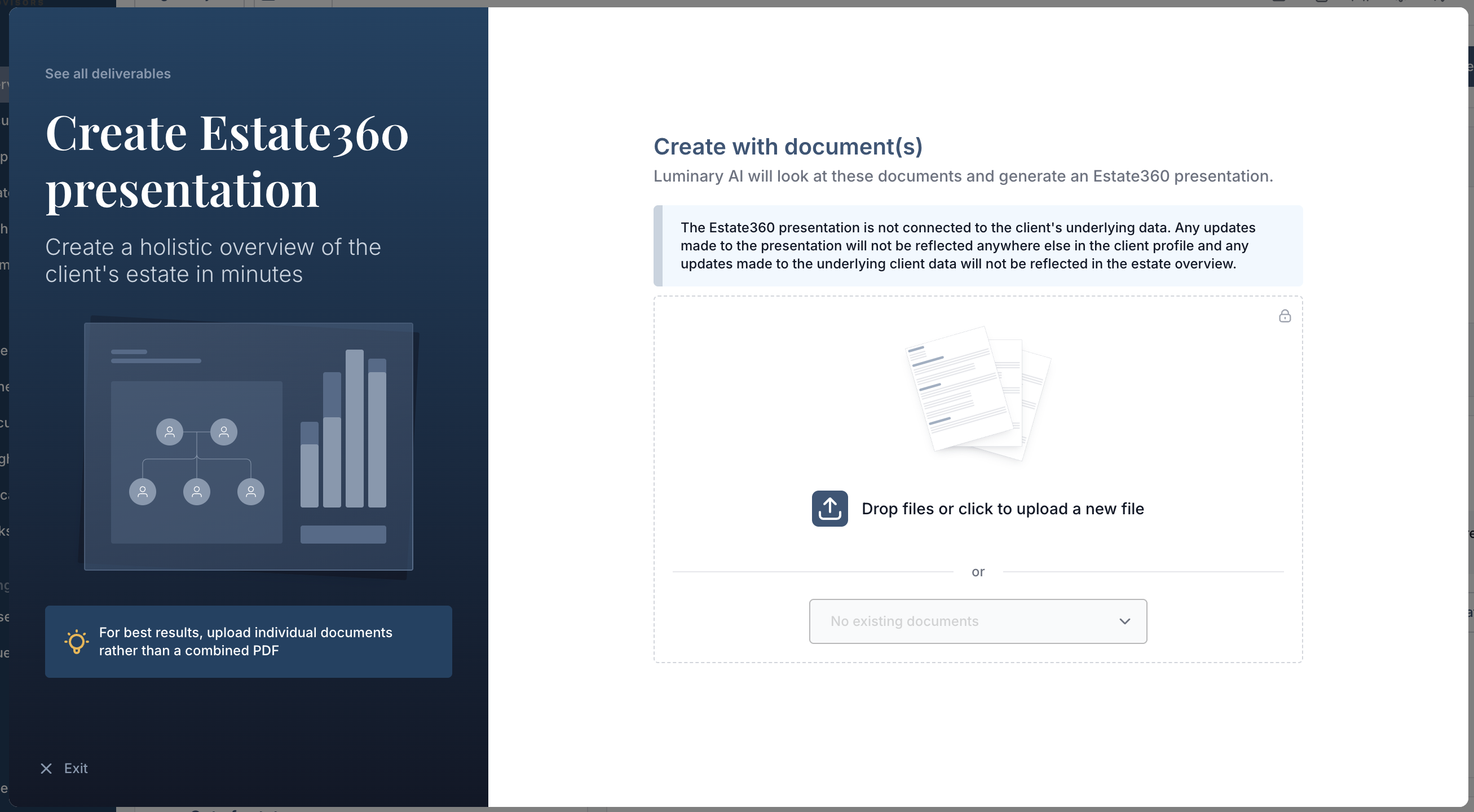
After a few minutes, the Estate360 presentation will be automatically generated and you will receive a notification
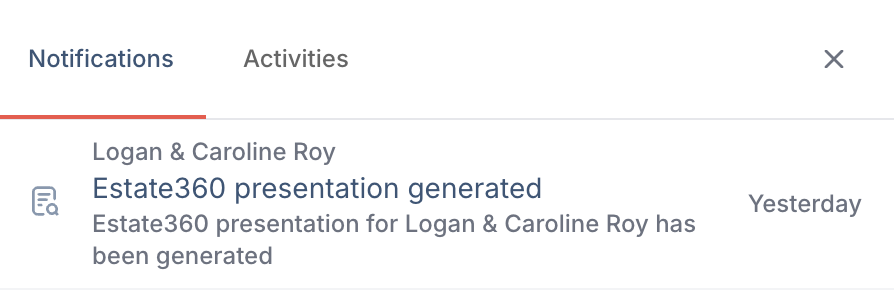
Click on the notification or navigate directly to the Presentations tab. You will see the new Estate360 presentation that has been created.
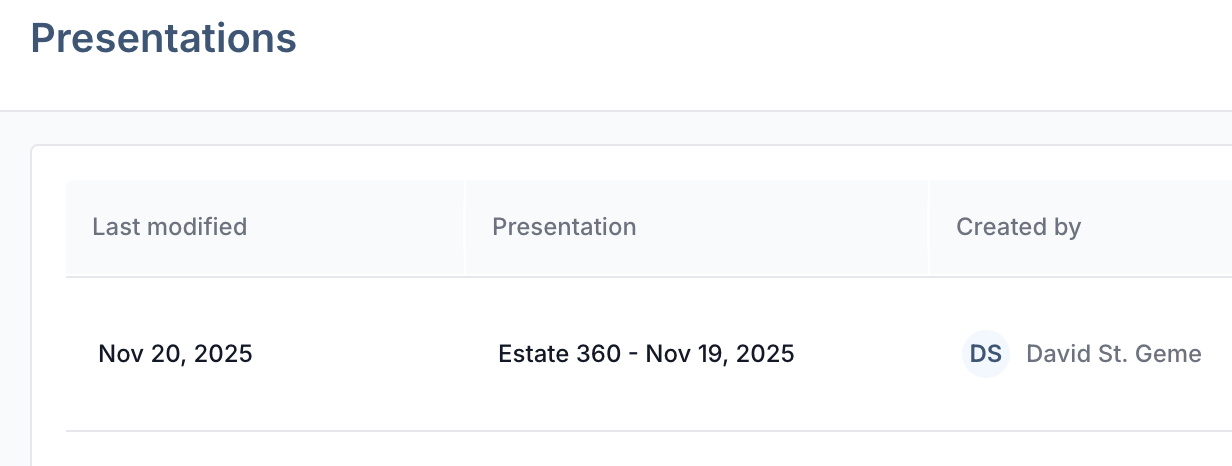
Estate360 presentations are fully customizable. You can add new slides—including educational content—reorder the sequence, and adjust any text directly within the slide. To learn more about customizing presentations, explore the resource linked below.
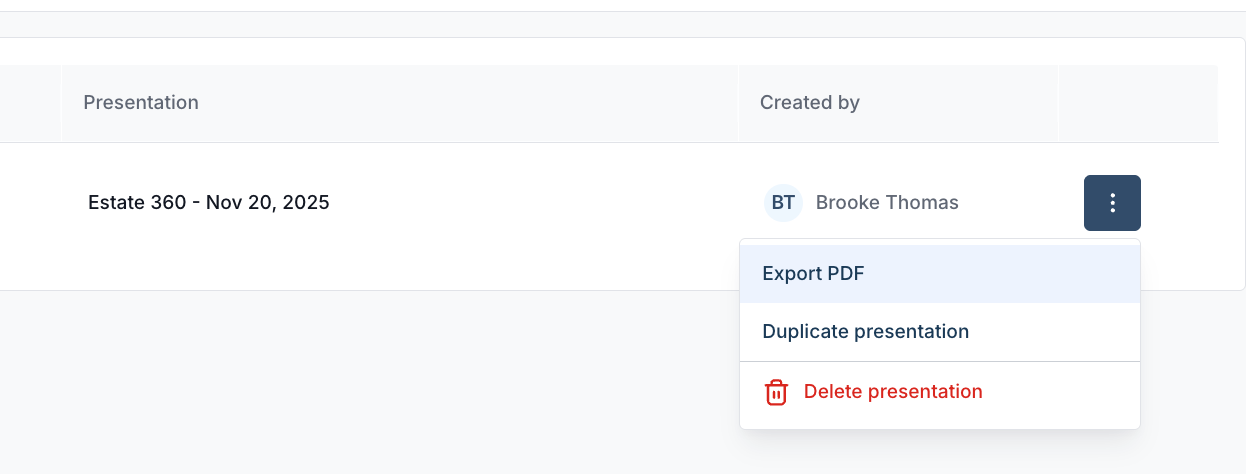
To download the presentation, click the three dots on the presentation row → Select Export PDF. A notification will appear confirming the PDF is being generated, and the file will automatically download. You can also access the PDF in the client’s Documents section.