Team management
Last updated: April 28, 2026
Overview
Teams help to streamline how client access is granted to users across your organization.
How to create a team
Team management is available from Settings under the Teams tab.
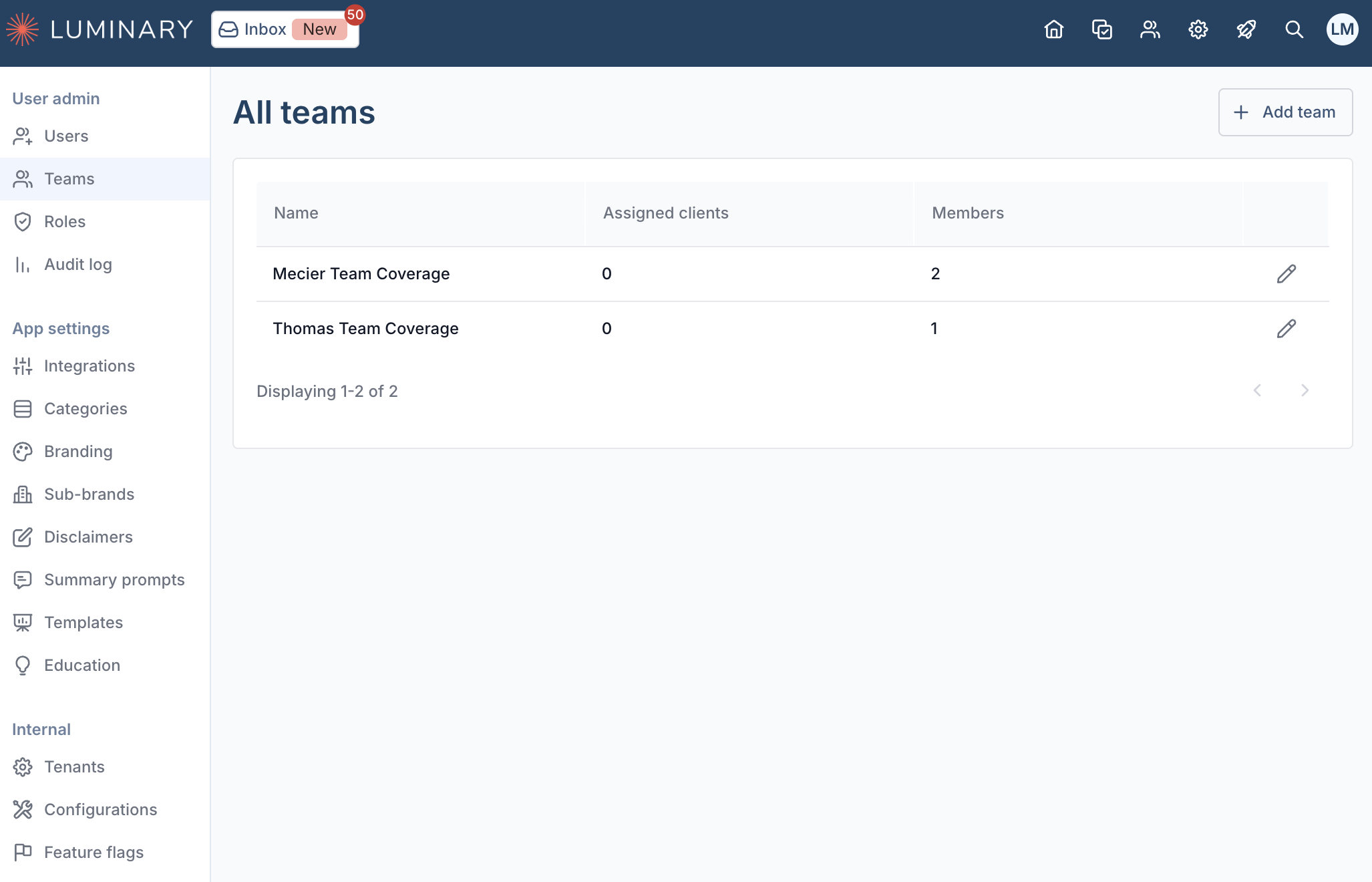
Click Add team to start creating a new team. To save a team, only a name is required initially.
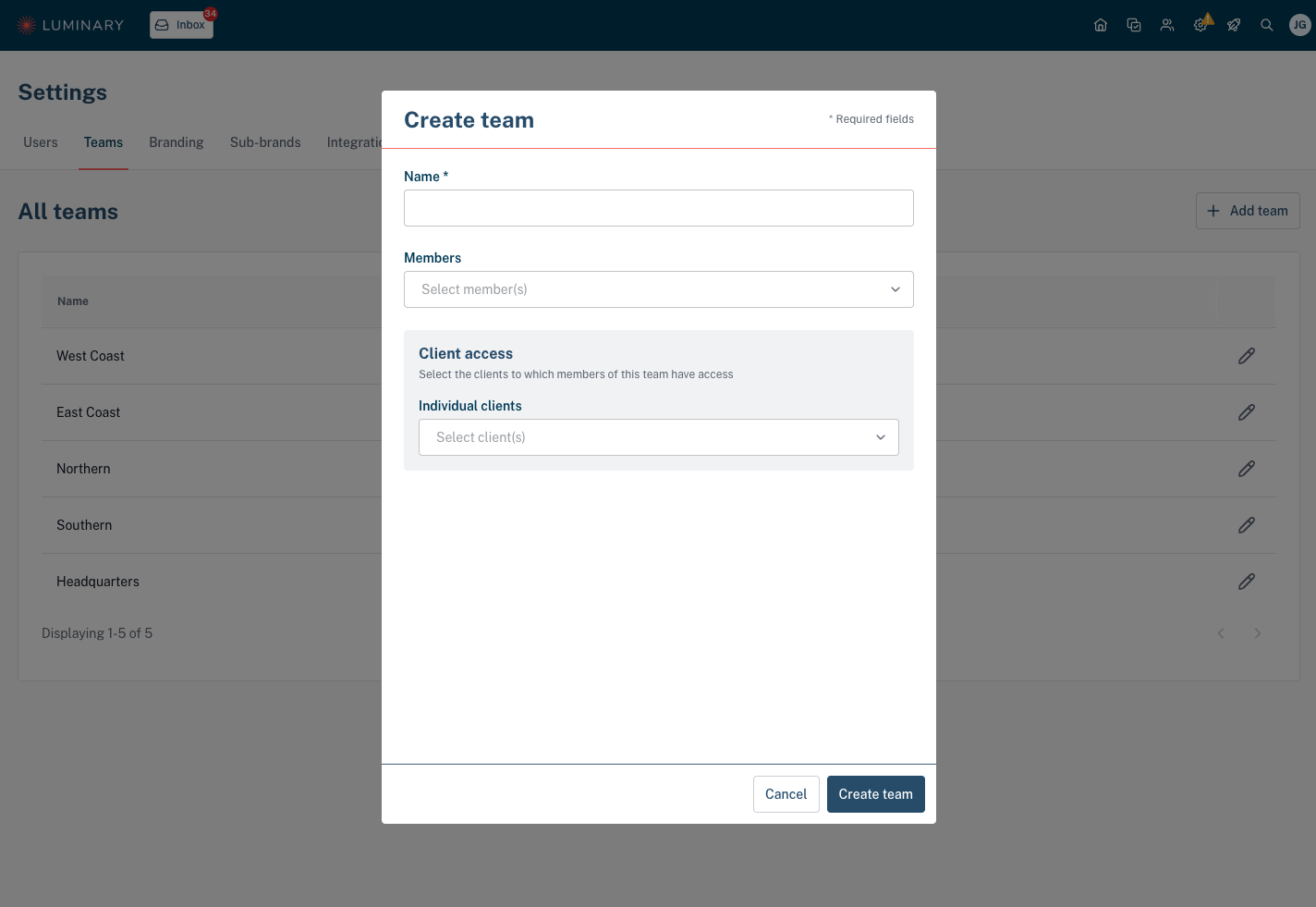
To add Luminary users to the team, use the Members dropdown. Members will have access to the clients assigned to the team.
Associate clients to the team via the Client access section under the Individual clients dropdown.
View and manage team access across users
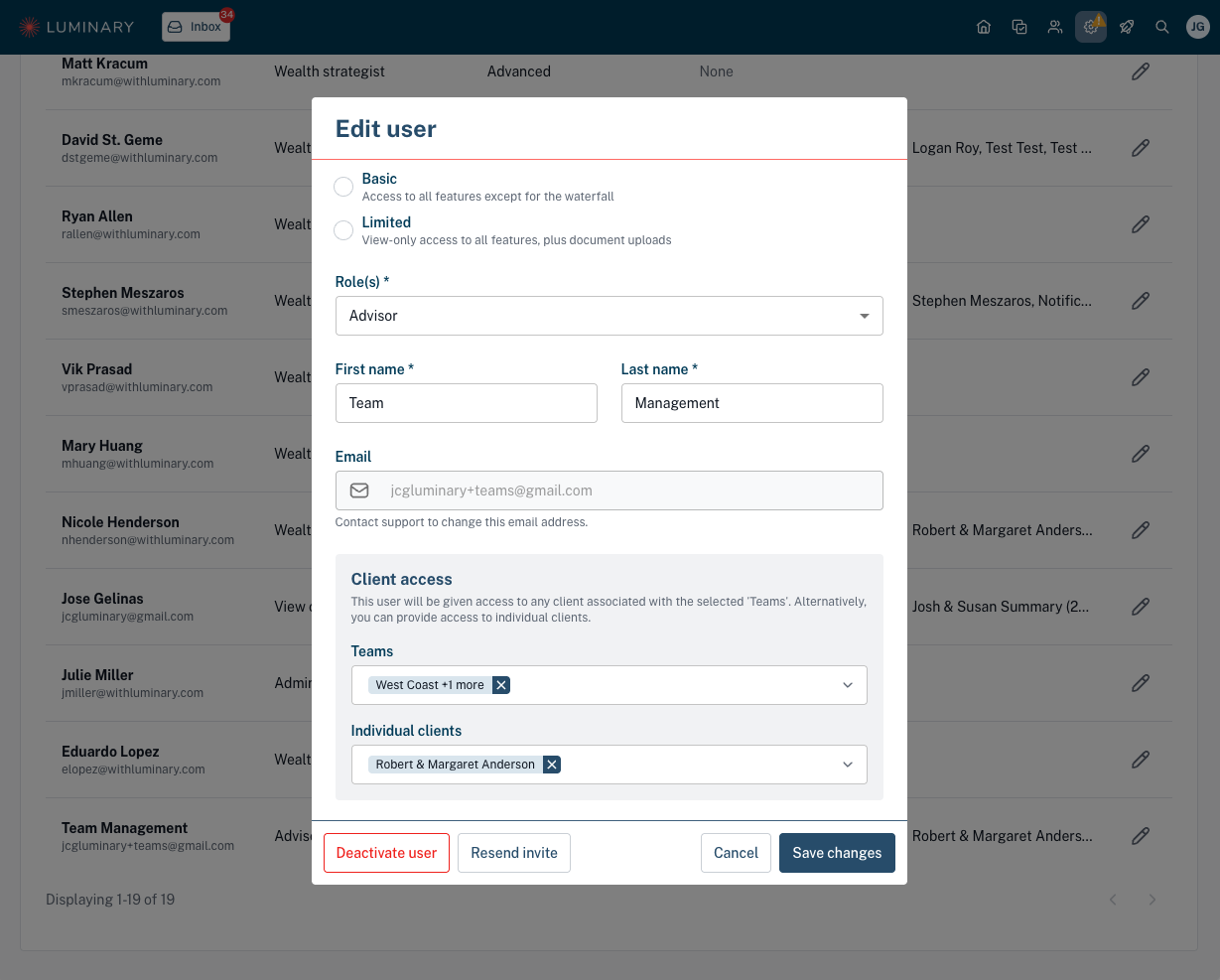
Team access can also be managed for each user via the Edit user modal accessible from the Users tab under Settings.
View and manage team assignment across clients
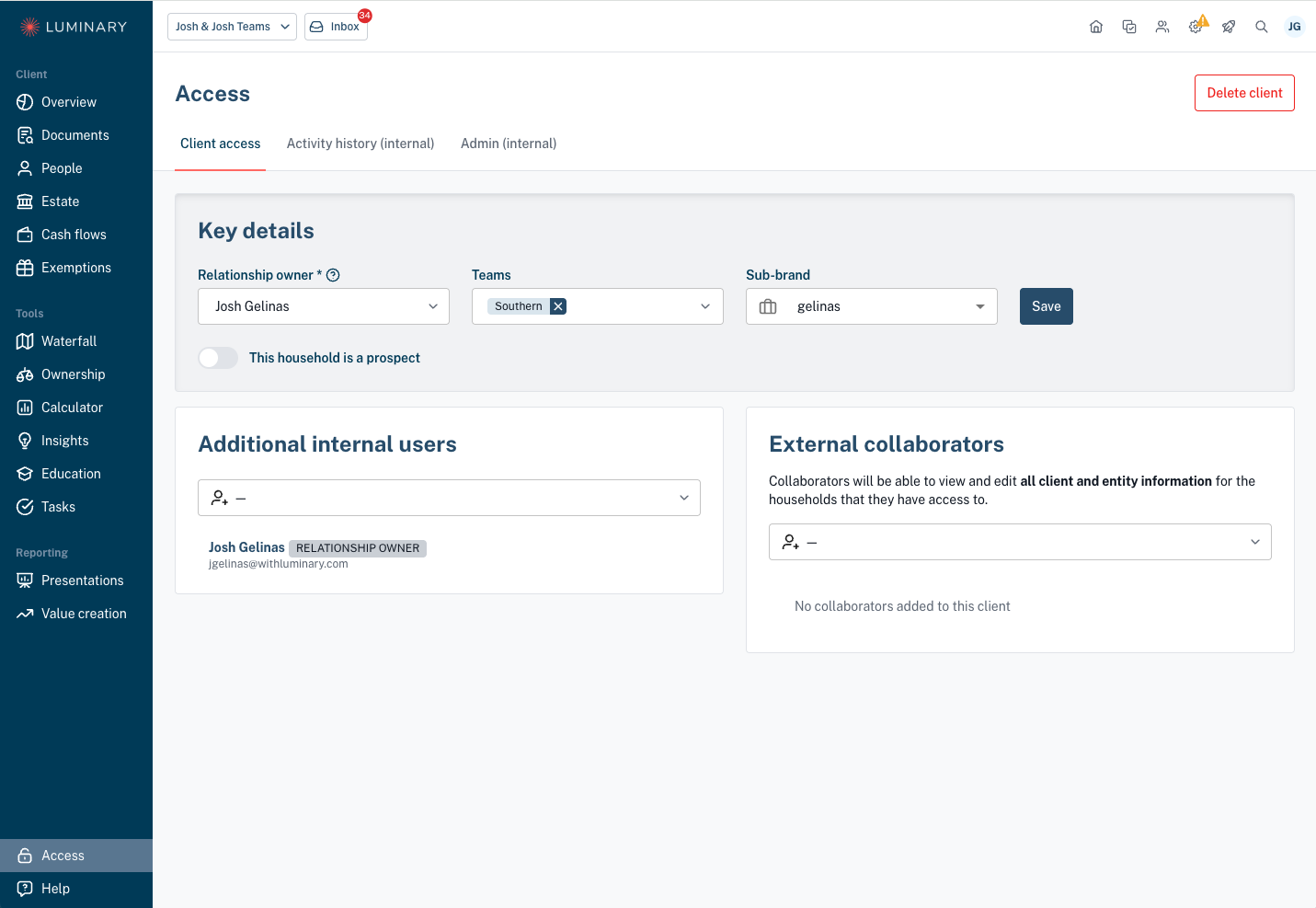
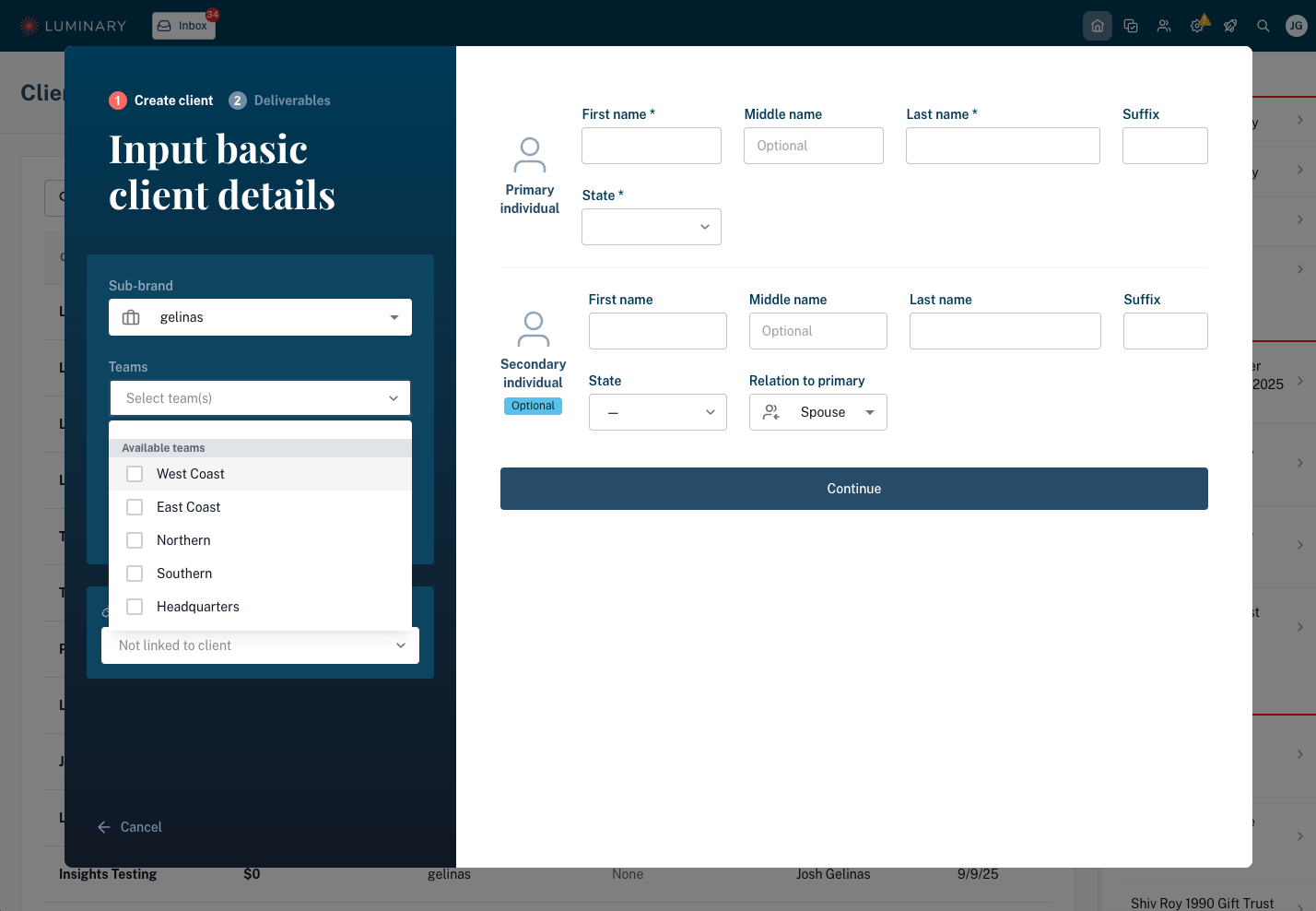
When creating a new client, optionally assign the client to a team from the client creation modal.
Manage the teams a client is assigned to from the client Access page.