Legal disclaimers for presentations
Last updated: August 15, 2025
Luminary allows you to set custom firm disclaimers to be included in client presentation materials. These disclaimers can only be implemented and edited by users who are Administrators.
To set or edit firm wide disclaimers, click on the gear icon in the upper right corner, and select the Disclaimers tab.
After making any changes to your disclaimer content or settings, be sure to click Save changes at the bottom of the screen to apply your updates.
There are three different types of custom disclaimers you can set:
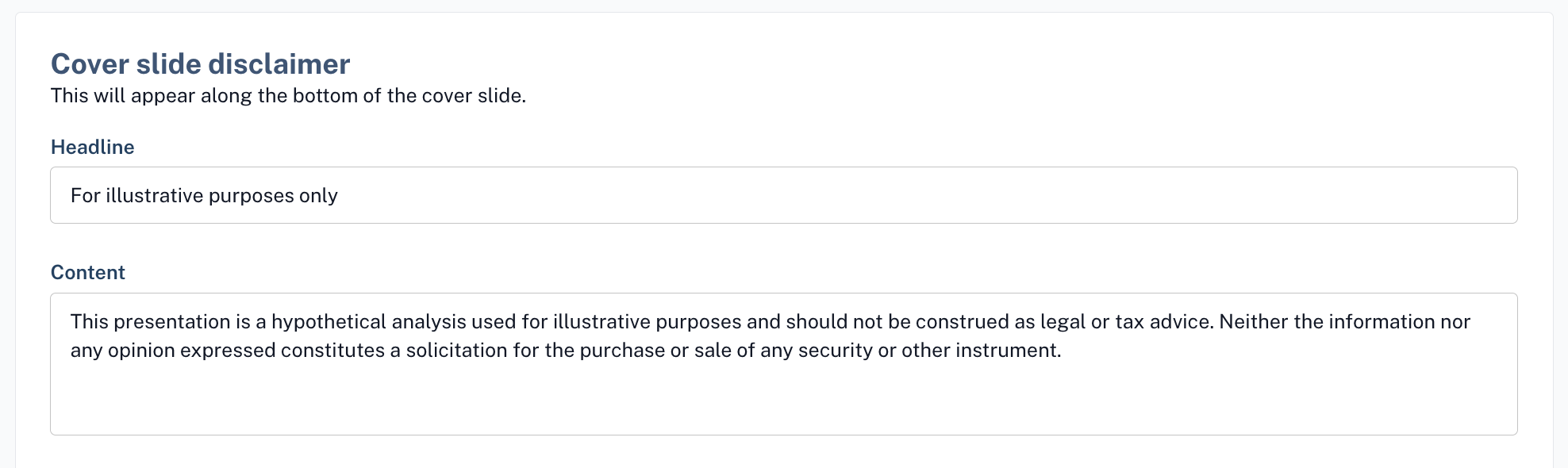
1. Cover slide disclaimer
This will appear along the bottom of the cover slide.
2. Footer disclaimer
This will appear in the footer of every slide (excluding the cover & standalone disclaimer slide).
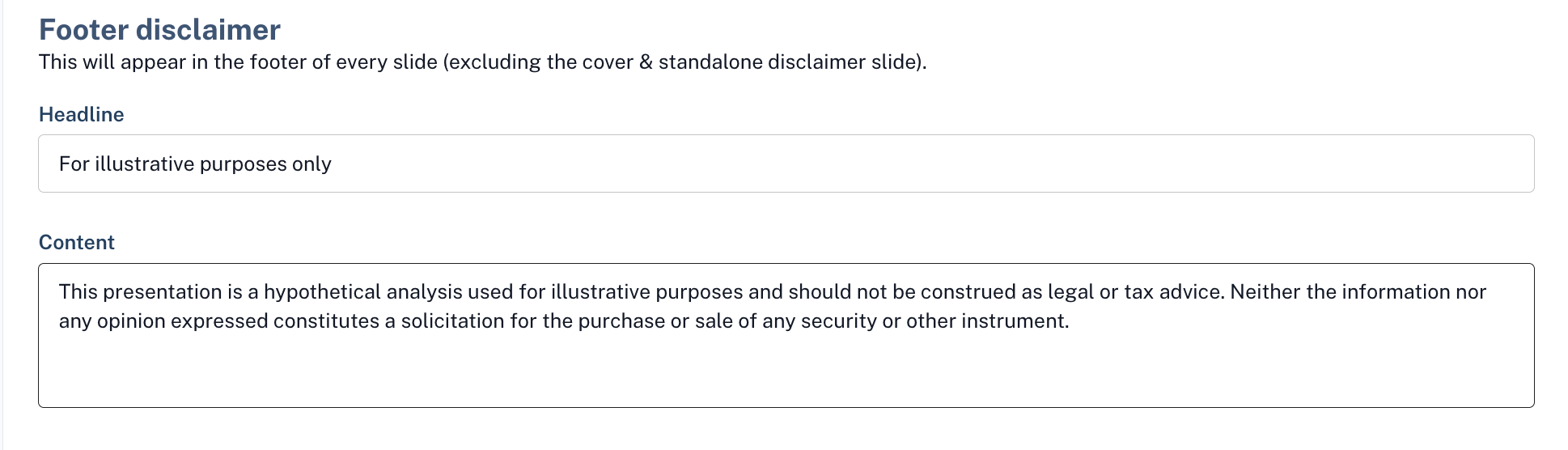
Both the cover slide disclaimer and the footer disclaimer by default will have the headline "For illustrative purposes only" and the content "This presentation is a hypothetical analysis used for illustrative purposes and should not be construed as legal or tax advice. Neither the information nor any opinion expressed constitutes a solicitation for the purchase or sale of any security or other instrument." This is applied out of the box and will not need to be enabled.
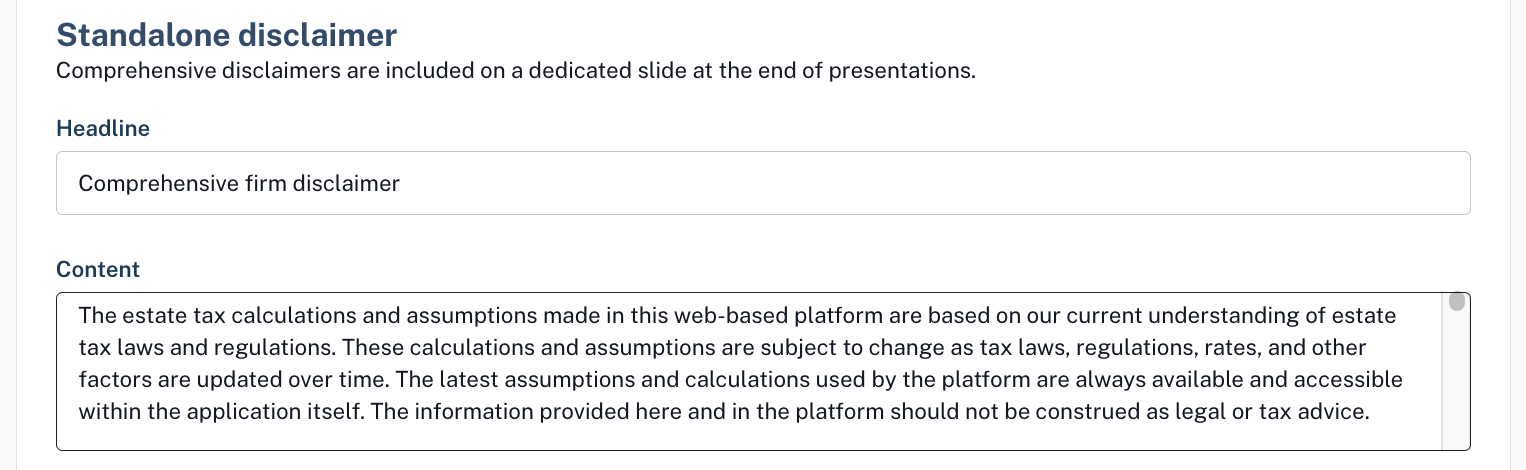
3. Standalone disclaimer
The standalone disclaimer is a dedicated slide that appears at the end of a presentation. Unlike other disclaimers, it isn’t included by default.
The content box will be blank initially—once text is added and saved, the slide will automatically appear in all new client presentations. It won’t be added to existing ones retroactively, but users can manually include it by selecting "Firm disclaimer" from the page dropdown.
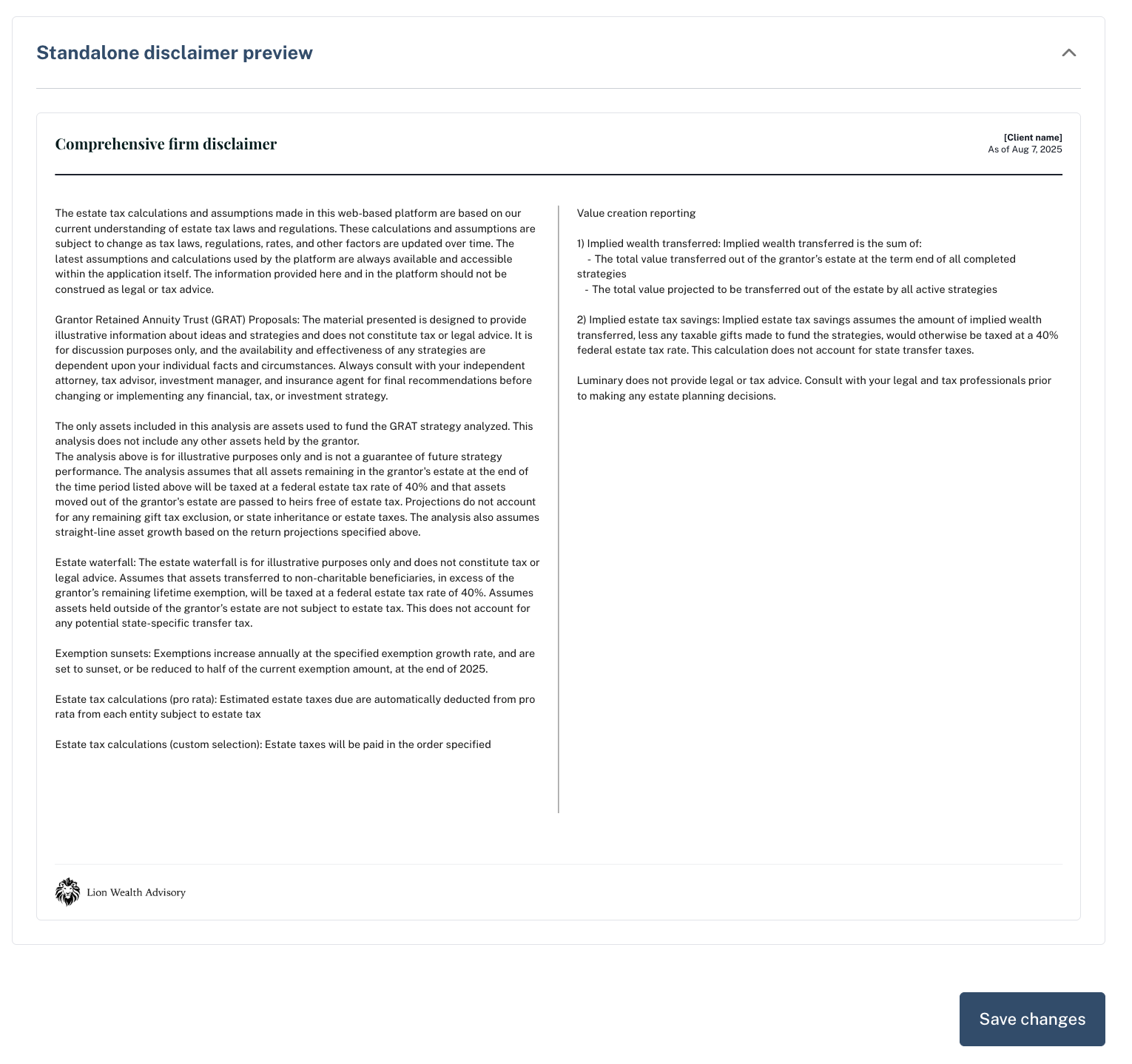
You can preview what your firm disclaimer looks like by expanding the "Standalone disclaimer preview" section at the very bottom of the disclaimers tab.
Luminary disclaimer slide
The Luminary disclaimer slide is an optional slide your firm can include that provides an overview of key assumptions and limitations behind estate tax calculations, Insights, and strategy modeling within the platform.
By default, it is not included in client presentation materials. However, if your firm wishes to include this in presentations, you can do so by clicking the checkbox next to "Show Luminary disclaimer slide."
You can preview the current disclaimer, by clicking the question mark icon.